The Drop · November 14, 2026
Music visualizer browser support: does it render in Firefox or Safari?
Yes in Firefox, and in Safari only from version 18.4 onward. That second half is the one that bites, because when a browser cannot do it the page does not tell you. Here is what I measured in each one.
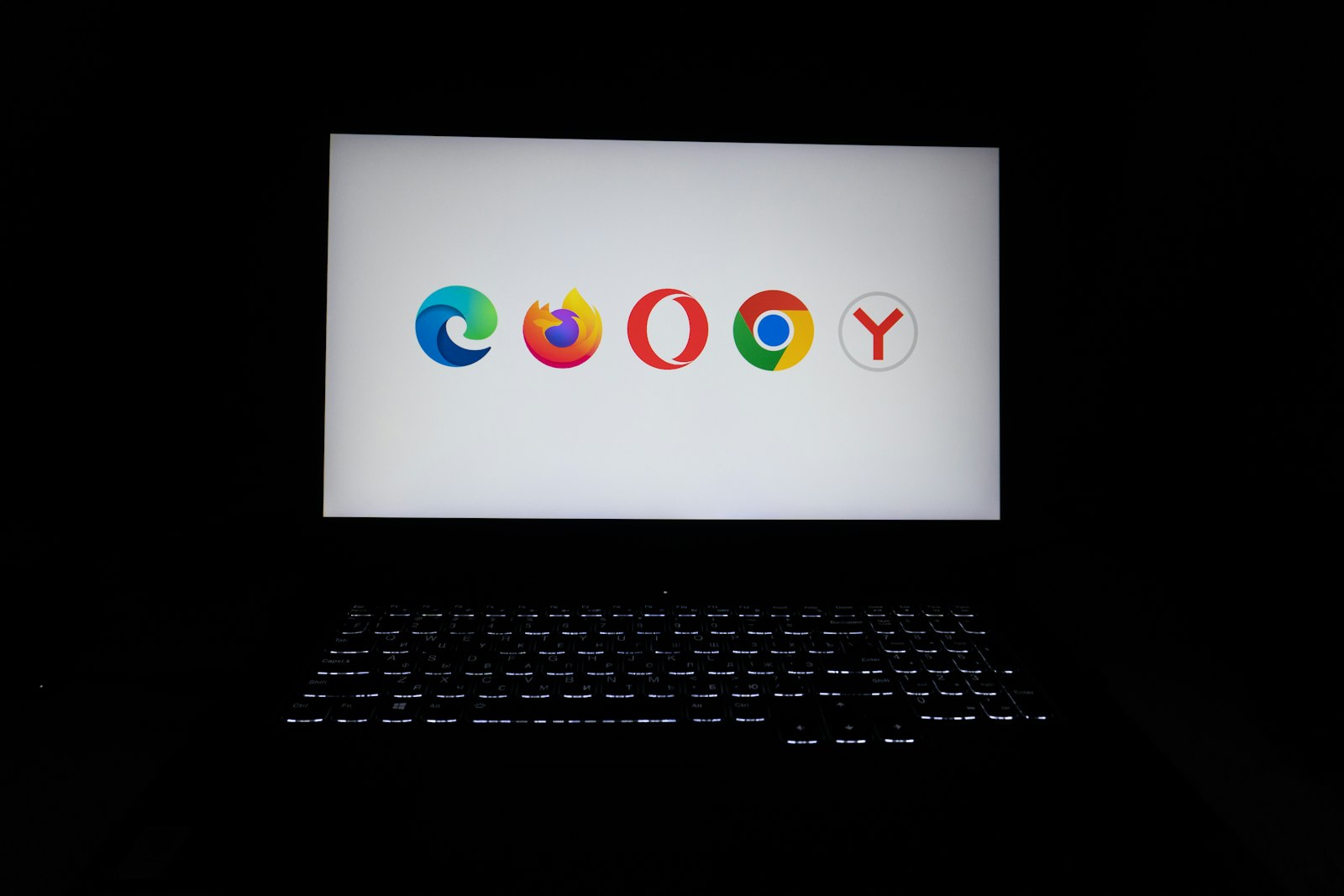
Photo via Unsplash
This question turns up in two shapes. Someone on a Mac opens the app, hits RENDER, and nothing happens. Or someone who uses Firefox all day wants to know whether they are getting a worse file than the Chrome crowd. Both are fair, and both have answers you can check rather than take on trust, so I ran the app through every desktop browser on this machine and wrote down what came out.
What a render actually needs from the browser
Three features have to be present and working together, and only one of them is interesting.
- Web Audio decoding. Your file gets turned into raw samples before anything is drawn. Every current browser does this.
- Canvas capture. The visuals are painted to a canvas, and the app asks that canvas for a 60fps video stream. Every current browser does this too.
- A recorder that will write WebM. Here is the whole story. The app asks the recorder for VP9 video with Opus audio, falls back to VP8 with Opus, then falls back to plain WebM. There is no fourth option and no MP4 branch.
So browser support for rendering comes down to one question: will this browser record a WebM file? If yes, you get a render. If no, you get nothing, and the app does not currently explain itself.
What I measured on Windows
I served the real app to each installed browser, pushed the same 16 second test track through it, hit render, and read back what the recorder was handed and what landed in the download. Not a compatibility table, the actual app.
| Browser | Renders | Codec you get | Will record MP4 |
|---|---|---|---|
| Chrome 157 | Yes | VP9 and Opus | Yes |
| Edge 157 | Yes | VP9 and Opus | Yes |
| Firefox 160 | Yes | VP8 and Opus | No |
Chrome and Edge accept the first type the app asks for. Firefox turns down the VP9 request and takes the VP8 one, which is the fallback doing exactly the job it exists for. The last column is a curiosity rather than a problem, since the app never asks for MP4, but it is worth knowing that Firefox will not write one even if you ask nicely.
Edge matching Chrome is not a surprise. It is the same engine underneath, which is also true of Opera, Brave and Vivaldi, and the engine is what decides this. The browser's name on the window is not what the recorder answers to.
Does VP8 cost you anything in Firefox
This is the part I expected to go the other way. I recorded six seconds of the same track three times in each browser and compared the files. Chrome came out at 6.0, 6.2 and 6.0 MB. Firefox came out at 5.9, 6.1 and 8.5 MB. Both files are 1920 by 1080 with stereo Opus audio at 48 kHz, and the only difference a tool reports is the video codec name.
Notice the spread inside Firefox is wider than the gap between the two browsers. That is the app, not the encoder: a new font, effect and palette colour get rolled on every content change, so no two renders of the same track draw the same pictures, and some of those pictures are much harder to compress than others. Run the test often enough and the two browsers trade places. There is no measurable penalty here.
Converting is identical as well. The one line everyone ends up running works the same on both files:
ffmpeg -i in.webm -c:v libx264 -crf 18 out.mp4
Three seconds on the Firefox file, under three on the Chrome one, H.264 at 1920 by 1080 out of both. If you were worried about getting a second class file for using Firefox, stop worrying. The container story is in WebM versus MP4 and the full posting workflow lives in the export post.
Safari, and the version number that matters
Safari has had the recording API since version 14.1 and canvas capture since version 11, so on paper it looks fine. It was not fine, because for years its recorder only wrote MP4, and this app only asks for WebM. Every one of the three requests came back unsupported and the render could never start.
That changed in Safari 18.4. WebKit's own release notes say it plainly: "MediaRecorder in WebKit for Safari 18.4 now supports creating WebM files using the Opus audio codec and either VP8 or VP9 for video." Same post, on availability: "Safari 18.4 is available on iOS 18.4, iPadOS 18.4, macOS Sequoia 15.4, macOS Sonoma, macOS Ventura, and in visionOS 2.4."
So the rule for a Mac is a version check, not a browser check. On Ventura or later you can be on a Safari that renders. On anything older you cannot, and no setting on the page will change that. Installing Chrome or Firefox on that Mac does fix it, because unlike on an iPhone, a Mac really does run whichever engine you install. The iPhone and iPad side of this is a separate problem covered in the mobile post.
What failure looks like, which is the real trap
I rebuilt the no WebM case in a browser I could inspect, by making the recorder refuse every WebM type the way an older Safari would, and then clicking render. Here is exactly what the page does:
- The status line never changes. It still says the track is ready.
- RENDER and PREVIEW both go grey, and the STOP button appears.
- The canvas stays black. No download appears.
- One error lands in the developer console and nowhere else.
It reads like a frozen page, and it is not obvious that the browser is the reason. If you ever see that, reload before you do anything else, because those two buttons stay dead until you do. Then try a different browser. The symptoms that look similar but are not this are in the render problems post, which covers the black and frozen files you get from a backgrounded tab.
One genuinely useful detail from the same test: PREVIEW still works perfectly with the recorder missing entirely. Preview never touches it. So if the visuals play but render does nothing, you have almost certainly found this.
What to actually use
Any current Chrome, Edge, Firefox, Opera, Brave or Vivaldi on a laptop will render, and the file you get is the same size and the same resolution in all of them. A Mac needs Safari 18.4 or later, which means macOS Ventura or newer, or any of the above installed alongside. That is the whole compatibility story.
Worth repeating one thing that is not about the browser at all: recording happens in real time while the track plays, and the tab has to stay visible for the whole render. That rule does not care which browser you picked.
Render it and see
Load a track, set it up, and get a 1080p 60fps file out. No signup, no watermark, and the audio never leaves your browser.
Open the visualizer